
Gamdom app experience on a Canadian phone
The whole site runs in a mobile browser: Originals, slots, live tables, the sportsbook, the cashier and Rewards. Add it to your home screen and it behaves like an installed app without waiting on a store listing.
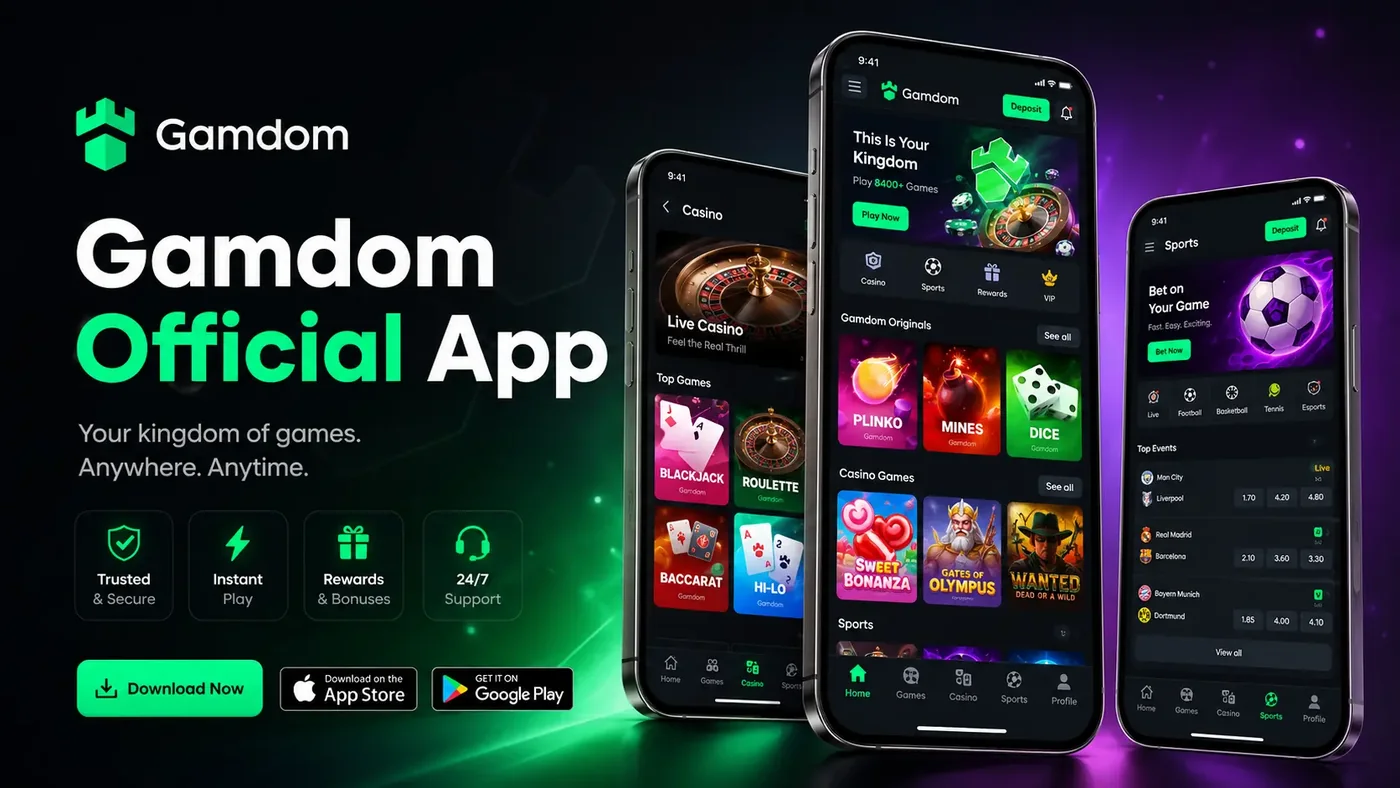
Illustration of the mobile layout, built in HTML and CSS. Not a screenshot of the live app.
Mobile access at a glance
No download needed
Everything runs in Safari, Chrome, Firefox or Edge on any modern phone.
Home screen launcher
Two taps turns the site into a full-screen icon on iOS and Android.
One account
Balance, bets and Rewards state follow you between desktop and phone.
Code works on mobile
The Referral Code field is on the mobile sign-up panel too.
Turning the site into an app icon
Both mobile platforms support this natively and it takes about ten seconds. The result opens without a browser address bar, keeps you signed in between visits, and sits on the home screen next to everything else.
iPhone and iPad
Open the site in Safari, tap the Share button, scroll down and choose Add to Home Screen. Name it and tap Add.
Android
Open the site in Chrome, tap the three-dot menu, then Add to Home screen. Confirm the name and tap Add.
After that
The icon launches straight into the site. Sign in once and the session persists the same way it would in the browser.
What changes on a small screen
- Navigation collapses into a menu button, with casino, sports and rewards as the primary destinations.
- Originals controls move below the game area so they stay reachable with one thumb.
- The betslip becomes a sheet that slides up from the bottom instead of sitting in the corner.
- Live dealer streams downscale automatically, which matters on a capped data plan.
- Game grids reflow to two columns, so browsing the slot catalogue takes more scrolling.
Which route suits you
| Mobile browser | Home screen icon | |
|---|---|---|
| Setup time | None | About ten seconds |
| Address bar | Visible | Hidden, full screen |
| Stays signed in | Yes, subject to cookie settings | Yes |
| Storage used | Cache only | Cache only |
| Best for | Occasional visits | Regular play |
Mobile and app questions
Is there a Gamdom app I can download?
Gamdom promotes an official app and its own marketing carries App Store and Google Play badges. Availability in a given country's store changes over time, so check the Gamdom site directly for the current download links rather than trusting a third-party page. The mobile site works fully in any browser regardless.
Do I need an app to play on my phone?
No. The site is fully responsive and everything works in a mobile browser: casino, Originals, sportsbook, cashier and Rewards.
How do I add Gamdom to my home screen?
In Safari on iOS use Share then Add to Home Screen. In Chrome on Android use the menu then Add to Home screen. That creates a launcher icon that opens the site without browser chrome, which feels much like an app.
Does my account work the same on mobile?
Yes. It is one account and one balance. Anything you start on desktop continues on the phone.
Can I apply the promo code on mobile?
Yes. The Referral Code field is on the mobile registration panel too, and the Rewards route works the same way on a small screen.
Does mobile use more data than expected?
Live dealer streams are the heavy part. Originals and the sportsbook are light. If you are on a capped Canadian mobile plan, live tables are the thing to watch.
Playing on the move, sensibly
A phone in your pocket removes every natural stopping point a desktop session has. There is no closing the laptop, no sitting down at a desk, no obvious moment where the session ends. That is the actual risk of mobile play, and it has nothing to do with the software being good or bad.
Two practical guards help. Set a deposit limit in account settings so the ceiling is decided somewhere calm rather than in the middle of a session. And turn off push notifications for gambling apps and sites entirely, because a promotional nudge at 11pm is designed to restart a session you had already finished.
Set it up with the code applied
Register on your phone, enter 15BOOST in the Referral Code field, and the rakeback runs across desktop and mobile alike.